
How to Search Criminal Dockets
Criminal settings for both Moffat County courts live in the Colorado Judicial Branch Docket Search. Pick Moffat, then narrow by something besides the date. A full case number works best. Party and attorney boxes are handy without one. But any common-name hit needs checking against the case number, court level, and hearing details before you trust it. Remember that the public calendar is thin. It carries no complete charge history and no downloadable case file. A careful Moffat County docket search therefore runs from the setting to the clerk-held record:
- Read the summons, notice, or other court paper for the exact court and case number.
- Enter the four-digit year, CR or M class, and sequence, then choose Moffat County.
- Compare date, time, hearing type, location, appearance mode, and courtroom.
- Request a Register of Action when the dated case history is needed.
- Ask for the disposition or sentence order, another named filing, or certification when the purpose requires it.
Nothing coming back? Widen the date range and re-check the class. You can also reach the Moffat Combined Court clerk by phone, email, mail, request form, or an in-person visit. Keep in mind that a closed case may simply have no hearing on the calendar, and restricted records stay off remote view.
Moffat County Criminal Docket Codes
Class letters route a Moffat County criminal docket to the right shelf. CR sits on a District Court criminal file. M means misdemeanor. T flags a state traffic case. The full number strings together a four-digit year, the class, and a sequence, and official local notices show the pattern in forms like 2019 M 12.
- CR
- A criminal case in Moffat County District Court, commonly a felony matter.
- M
- A misdemeanor case in Moffat County Court.
- T
- A state traffic case in Moffat County Court.
- ROA
- The Register of Action, which is the clerk's chronological case summary.
A class letter is procedural, not a verdict. It says nothing about guilt, conviction, dismissal, or sentence. Those answers come from later docket entries and the orders behind them.
What a Criminal Docket Shows
A Moffat County criminal calendar card is a narrow window. It lists the case number, hearing date, start time, estimated length, hearing type, county location, appearance type, and courtroom or division. And that is all. For more depth, the state-approved CoCourts service sells real-time ROA access by name or number. It is not the certified record, though, and hands over no copies of filed documents. Ask the clerk for the ROA instead and you gain filing date, caption, status, charges, sentences, and minute orders. That applies whenever those items are public and present. Filed pleadings and orders remain a separate document request.
| Case Number | Year, CR, M, or T class, and numeric sequence. |
|---|---|
| Charge | The alleged offense and any classification or citation shown in the ROA or charging paper. |
| Setting | Date, time, duration, hearing type, appearance mode, and courtroom. |
| Plea | The formal response to a charge, not the same as a future plea hearing. |
| Disposition | The recorded result for each charge, such as dismissal, plea, conviction, acquittal, or deferred outcome. |
| Sentence | The order stating penalties and conditions after a qualifying disposition. |
A sentencing date proves nothing about the sentence itself. That lives in the sentence order. The same goes for trial settings, which never guarantee a trial happened. After the event, read the minute order and disposition.
Moffat County Criminal Docket Settings
Labels seen on Moffat County criminal dockets include motions hearing, setting, sentencing hearing, review hearing, and resentencing. An advisement or first appearance is the early stage where the charge and rights get addressed. Arraignment is the formal plea stage, and a pretrial conference deals with resolution and trial readiness. Every label names a scheduled event's purpose. It does not tell you what the judge decided.
A continuance or reset simply moves a date. The later order or notice controls, not an old hearing card. Review hearings check later status or compliance. Resentencing stands apart as its own event after an earlier sentence. When a label confuses you, ask the clerk for the matching minute order. Do not borrow a meaning from another state's court system.
Moffat County Criminal Docket Limits
A card reading "motions hearing," "setting," "sentencing hearing," "review hearing," or "resentence" tells you the event, not the ruling. The motion might concern evidence, scheduling, discovery, competency, or something else entirely. Check the ROA for a minute order. Then read the underlying order for the court's actual words.
This distinction guards against a common mistake. A charge is an accusation. An arraignment marks a formal stage. A pretrial setting proves only that the case was scheduled. None of it equals conviction. At disposition, take each charge separately and sort it as dismissed, resolved by plea, decided at trial, deferred, or left open. Later review and resentencing events add entries without creating any new alleged offense.
If the calendar hides the charge, request the ROA plus the complaint or information. Never guess from a hearing label.
Stages on a Criminal Docket
A Moffat County criminal docket usually opens with a complaint or information and an advisement. Bond terms and early hearings may follow. Arraignment is the formal plea stage. Motions and pretrial conferences record the path toward a negotiated plea or trial. The disposition resolves each charge. Sentencing states the resulting terms. Review, probation, appeal, remand, or resentencing can stretch the chronology well past the first judgment.
Docket flow: Filing › Arraignment › Pretrial › Plea or Trial › Disposition › Sentencing
Treat the stages as a menu of recorded events, not a script every case follows. A dismissal can end things early. A plea may erase the need for a trial. An appeal or remand may send the case back for more District Court activity.
Moffat County Criminal Docket Filings
Moffat's local court page allows some self-represented filings by email. The paper has to be legible, complete, and signed. It must also carry the case number when one exists. Include identification if the filing requires it.
Hitting send is not the filing. The clerk has to accept the paper and upload it into the case-management system first. So an emailed document may take time to show on a Moffat County criminal docket. For anything time-sensitive, keep your sent copy and confirm with the Combined Court clerk that acceptance happened. An outbox timestamp proves nothing.
Moffat County Criminal Docket Orders
The official Record/Document Request Form includes a Disposition/Sentence Order option. It also covers a protection order, ticket, ROA, certification, or another document you describe. Moffat's routing page sends the form to the local clerk. Give the office a complete case number and the exact document name.
Copies cost $0.25 per page. Parties and their attorneys pay a $15 maximum, while nonparties have no stated cap. Certification or exemplification adds $20 per document. A name search runs $5. Expect an answer within three business days unless circumstances call for more. Off-site retrieval, research, or redaction may add costs.
Read a plain copy for case review. Another court or agency may need authentication. Follow what that body demands, and ask the Moffat clerk for certification.
Which Court Holds Criminal Dockets
Felonies belong to Moffat County District Court. Misdemeanors and state traffic matters go to Moffat County Court. That court also handles early felony stages. Both sit under Moffat Combined Court. The address is 1198 W. Victory Way, Suite 200/201, Craig, CO 81625. The Clerk of Court keeps records for both levels. Criminal docket files therefore never travel to the elected Moffat County Clerk and Recorder.
| Case Path | Typical Class | Record Custodian |
|---|---|---|
| District Court felony | CR | Clerk of Court, Moffat Combined Court |
| County Court misdemeanor | M | Clerk of Court, Moffat Combined Court |
| County Court state traffic | T | Clerk of Court, Moffat Combined Court |
| Craig or Dinosaur ordinance case | Municipal identifier | The issuing municipal court |
A felony can shift from County Court work into a District Court CR file. When a transfer or bind-over shows up, ask for the related case numbers. City ordinance cases stay in municipal court unless a separate state-court path opens.
Moffat County Criminal Docket Workload
The FY2024 Judicial Branch report counted 178 criminal filings in Moffat District Court. It listed 168 criminal terminations. Four criminal jury trials were listed. Filings included 42 drug, 29 assault, 15 burglary, 14 theft, 10 weapons, and 9 DUI matters. These are workload numbers, not counts of people, convictions, or current status.
Totals like these cannot predict how long any one Moffat County criminal docket stays open. The chronology, settings, rulings, and disposition answer that.
Moffat County Criminal Docket Livestreams
Moffat's criminal-hearing notice names CR, M, and T as case types that may qualify for viewing. Not every hearing gets streamed. Check the division or courtroom value on the docket to pick the right feed at the official livestream portal. Watching a link is observation only.
Appearance warning: Watching a livestream does not count as appearing. Use the participant instructions supplied for the case or confirm the required mode with the clerk.
That distinction can matter. Nobody ordered to appear can substitute passive viewing for an in-person, virtual-participant, or telephone appearance. If the docket and a case notice disagree, call 970-824-8254, extension 7, before the setting. Regional weekend bond schedules and holiday changes deserve a live check too.
Moffat County Criminal Docket Boundary
A Moffat County criminal docket tracks one court case. It is not the Colorado Bureau of Investigation's separate statewide criminal-history record. The docket shows alleged charges, hearings, and dispositions in the named file. The CBI product runs on its own statewide scope and rules. The clerk's own request form points people seeking a complete statewide arrest history to CBI.
The official Chief Justice Directive 05-01 access page supplies the court-record framework behind the Moffat County criminal docket. That page states the access rules the directive sets.
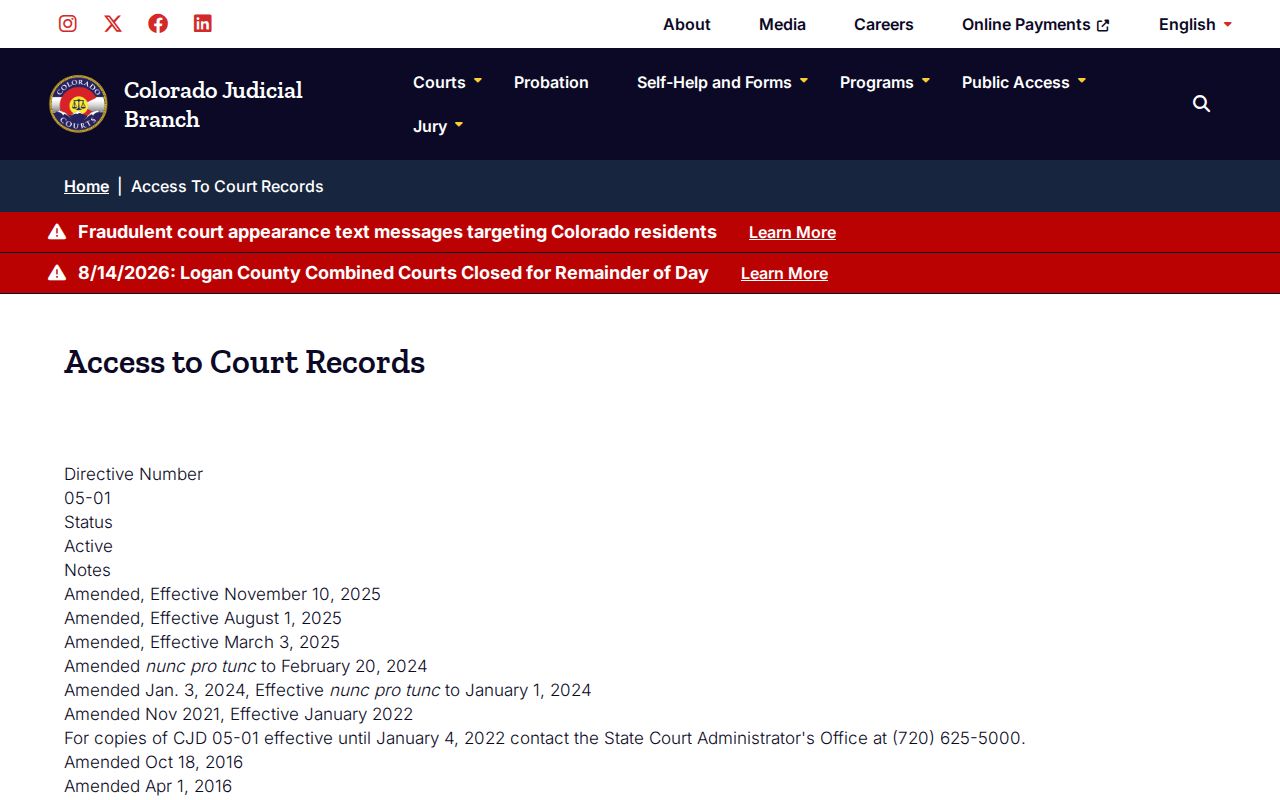
The directive makes clear that public, remote, facility-only, suppressed, and sealed access are separate categories.
For a focused lookup, lean on the court calendar, ROA, and filed orders. For the broader county search path, the Moffat County court docket overview names each local office that holds records.
Public Access and Sealed Criminal Dockets
Public access does not put every Moffat County criminal docket online. Chief Justice Directive 05-01 governs court case records. It defines sealed records as open only to judges, court staff, and other authorized Judicial Department personnel, unless a court order allows access. Suppressed files can carry limited remote visibility. Public copies also drop protected identifiers.
Access rules: CJD 05-01 controls public and remote case-record access. Colorado Children's Code provisions restrict protected juvenile categories. The clerk may require government photo identification for suppressed, juvenile, probate, or protected-content requests.
When a known case goes missing, check the date range, spelling, case class, court, and municipal-versus-state route before assuming a legal bar. Then request the ROA. Let the clerk say whether the record is unavailable, facility-only, suppressed, sealed, or simply outside the current hearing window. An ordinary email request cannot override a sealing order.
The official record stays with the court. Calendar results and vendor summaries can be useful leads. But when exact legal status matters, only a clerk-issued order or certified copy will do.