
Searching Cases by Name
Head to the Colorado Judicial Branch Docket Search and pick Moffat County. Choose the individual or business option. Beyond a date, the form demands at least one more filter before it will run. A name hit is only a hearing match. It is not a full index of every person tied to a Moffat case.
- Select Moffat County or the 14th Judicial District and choose a useful date range.
- Choose individual or business, then enter the available name fields.
- Add court type, courthouse, or another filter when too many results appear.
- Compare the case number, caption, setting, location, and appearance type.
- Request the ROA from the Combined Court clerk when the matching hearing is found.
The official interface offers these name-related fields:
| Field Label | Type | Required | Notes |
|---|---|---|---|
| Individual / Business | Radio choice | Conditional | Selects the party-search mode. |
| First Name | Text | No | Used for an individual party. |
| Last Name | Text | No | Verify the result by case number. |
| Business Name | Text | No | Searches the organization party field. |
| Date Range | Dropdown or date | Yes | Needs another location, case, party, or attorney filter. |
Attorneys can be searched by name or Colorado bar number. The bar number usually cuts through the noise. When a common surname still floods the results with Moffat settings, tighten the court and date, then check the caption and full case number. A public name match proves nothing about what happened in the case. For that, turn to the ROA and the filed orders.
Moffat Case Search Portal Walkthrough
Beyond names and numbers, the statewide search offers several filters. You can narrow by Judicial District, County, Courthouse, Court Type, and Division. Menus shift depending on the location you pick. The long form can feel cramped on a phone. The court publishes no formal mobile restriction, though. The Colorado docket search form is the official starting point for these selections.
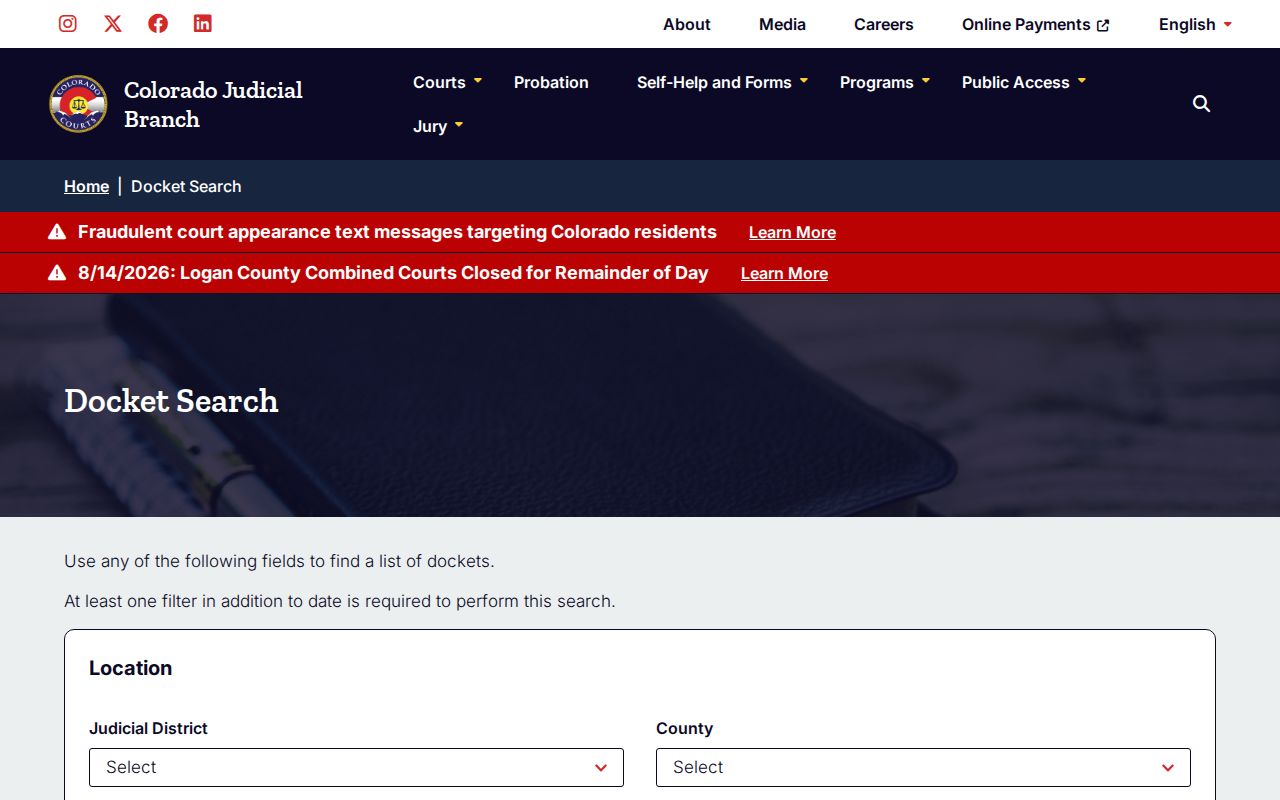
The form costs nothing and works well for live court settings. What it will not show are pleadings, orders, the financial ledger, or a complete case chronology.
Searching by Case Number
A Colorado case number usually combines a four-digit year, a letter case class, and a numeric sequence. The search form splits these into 4-Digit Year, Case Class, and Case Sequence. Type the number exactly as the court supplies it. Never assume a fixed count of leading zeros.
So 2026-CV-123 reads as a 2026 District Court civil class with sequence 123 attached. That string is only a format example. Moffat cases use classes such as CR for criminal, M for misdemeanor, T for traffic, CV for district civil, C for county civil, DR for domestic relations, and S for small claims.
A case number beats a name as a filter, since names repeat. If a matter bounced between County Court and District Court, ask the clerk whether a related number exists.
Moffat Case Search Result Controls
Once results load, a Moffat-filtered page can be printed or exported. Pagination kicks in when matches outgrow one screen. Several hearings under one case number are still just one matter, and repeated party labels do not create separate cases on their own. The official Moffat-filtered result source shows the county selection at work.
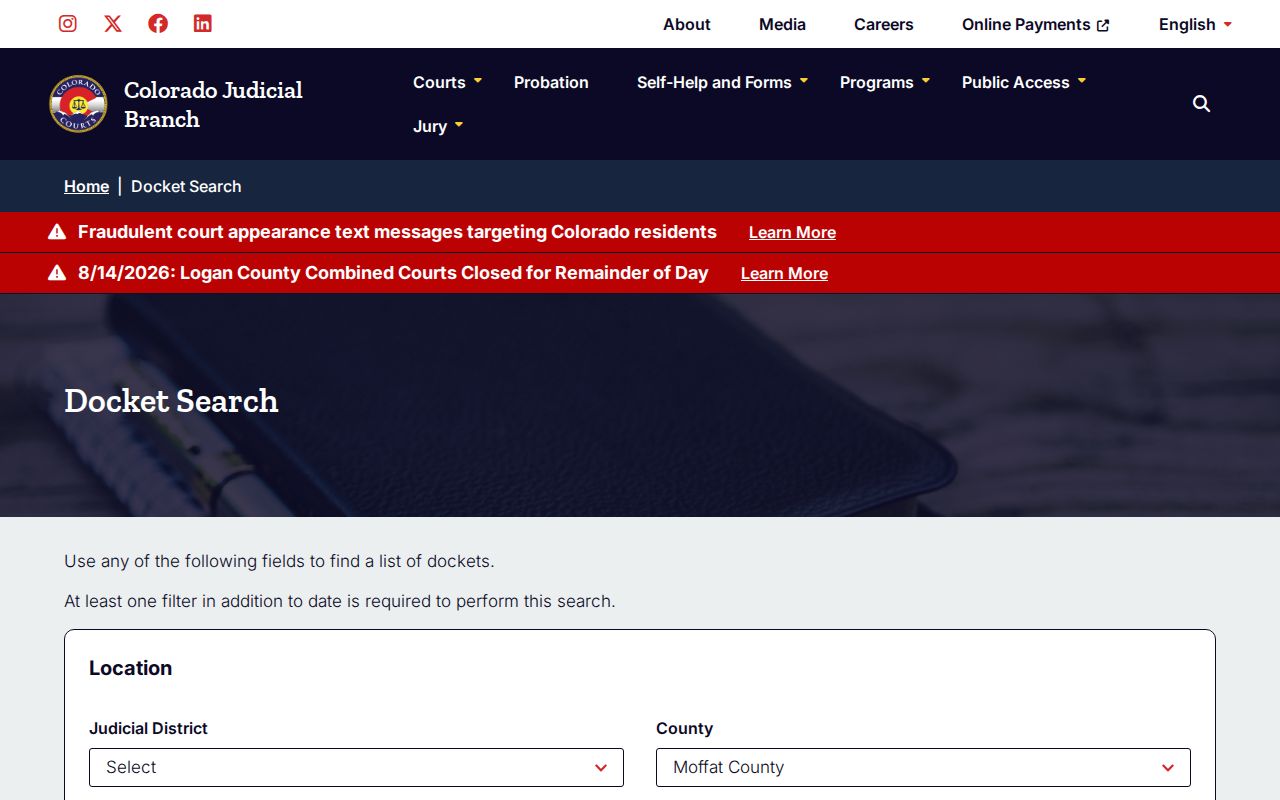
Export Results and Printable Version are handy for comparing settings. Before relying on any date, confirm it against the latest order and the clerk's record.
What a Case Search Returns
What the public Moffat County case search gives you is a calendar card. That is narrower than the Register of Action underneath it. Read each field in context, and never read an event label as the final result in a case.
| Case Number | Year, case-class letters, and sequence for the listed Moffat matter. |
|---|---|
| Style / Parties | The displayed name or caption label used to identify the matter. |
| Hearing | Date, start time, estimated duration, and setting type. |
| Place | Moffat location plus courtroom or division. |
| Appearance | In person, virtual, telephone, or no appearance required when stated. |
The calendar card leaves a lot out. It does not display the judge's name, filing date, charges or claims, attorney list, chronological ROA, filed images, financial ledger, or final disposition.
Moffat Case Search Weekly Results
The one-week view earns its keep when a Moffat hearing is coming up soon. It is a weak test for other situations. Those include a closed case, a case with nothing currently set, or a proceeding outside that window. Widen the range and add a precise non-date filter before deciding nothing exists. The official one-week Moffat search source shows this hearing-centered design.
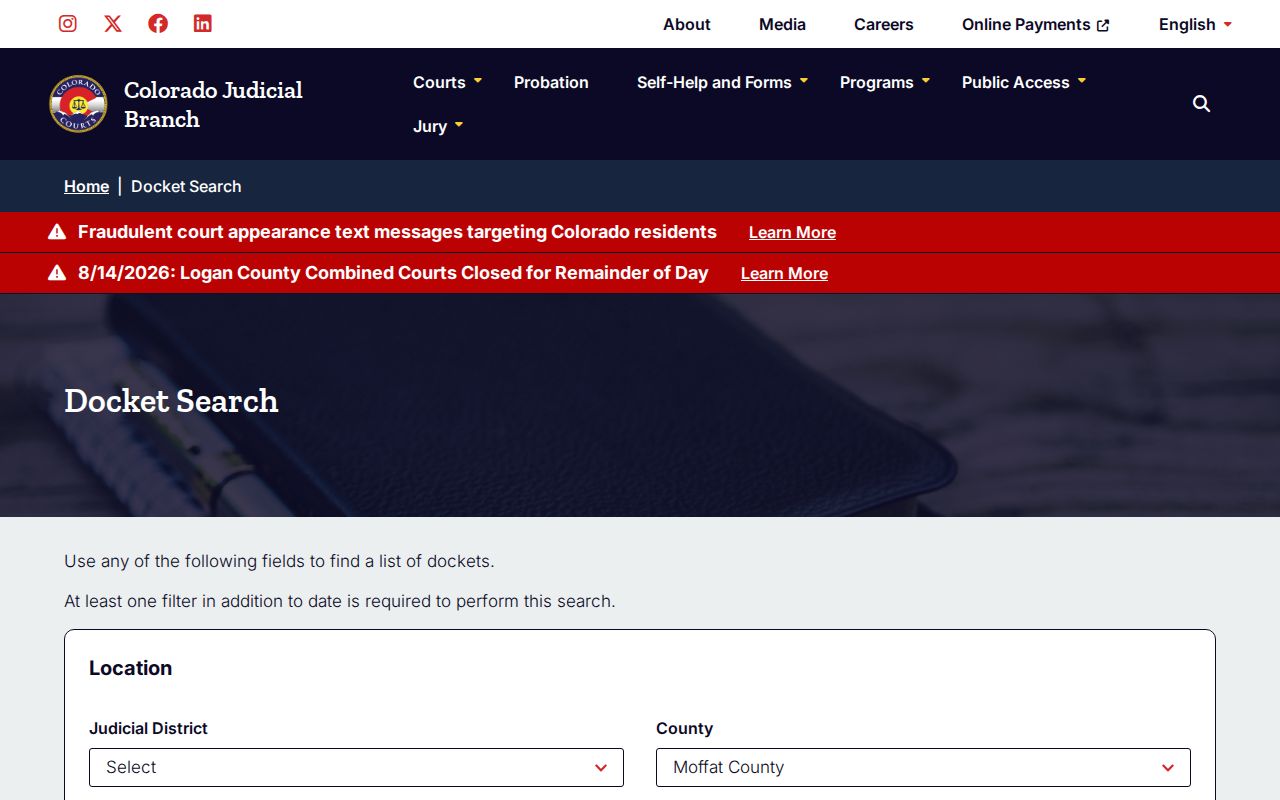
A no-result screen often just means the date window is off. The matter could also be municipal, old, suppressed, sealed, or simply have no hearing scheduled.
Statewide vs County Case Search
Moffat has no separate search portal for the state trial courts. Instead, the statewide Judicial Branch calendar gets filtered down to Moffat, and the local Combined Court clerk keeps the official file. For real-time Registers of Action by name or case number, CoCourts is a state-approved paid vendor.
| Channel | Coverage | Best Use |
|---|---|---|
| Judicial Branch Docket Search | Free Colorado hearing settings filtered to Moffat. | Finding a date, setting type, appearance mode, and courtroom. |
| CoCourts | Paid statewide ROA access for participating case types. | Reviewing a real-time event history when vendor access is suitable. |
| Moffat Combined Court clerk | Official local state-court ROA and documents. | Copies, certification, named documents, and authoritative records. |
| Craig or Dinosaur Municipal Court | Each city's ordinance and municipal traffic cases. | Cases that do not belong in the state trial courts. |
Reach the local clerk in person or by mail. You can also call 970-824-8254 extension 7, or use the official request workflow and Moffat routing email. A paid vendor record is never certified. It also comes with no copy of any filed document.
The Moffat request route also serves people who cannot manage a long online form. It helps when you need a clerk to spot the right court level. At the counter you can ask public access questions directly. A mailed request should name the case and the exact record wanted. Phone works best for routing and status. The formal request actually creates the copy order.
Moffat Case Search Through CoCourts
Colorado Courts Record Search, known as CoCourts, sells searches by name or case number. Its real-time ROA coverage spans civil, water, small claims, domestic, felony, misdemeanor, and traffic matters. The state lists it among approved vendors.
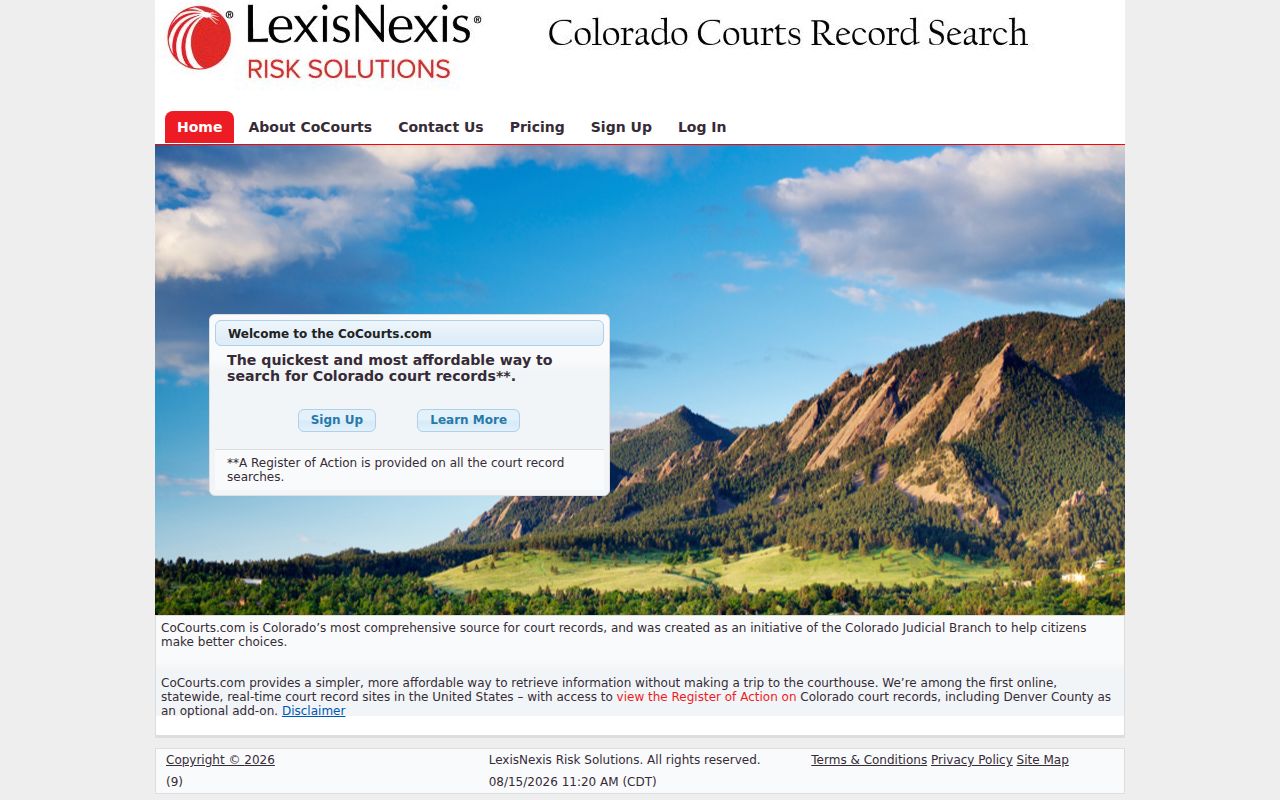
CoCourts is a handy lookup tool. It is not a certified record. Cases can be missing from it, and it shows no filed document images. When you need something authenticated, or a specific pleading or order from a Moffat case, go to the clerk instead.
Moffat Case Search Filter Requirement
The official form will not run on dates alone. A statewide date range pulls far too many cases. So the form forces a second filter. For Moffat docket work, pair the county with a case number for the tightest result. County plus party name works well when the number is unknown.
Too many results? Add Moffat County, narrow the date, and verify the class and sequence. For an attorney search, a Colorado bar number can distinguish similar names.
Search a business in business mode. Splitting a company name across first and last name fields will miss it. Spelling can still vary in Moffat court records. So widen the search with care. Compare captions before committing to the first match you see.
Moffat Case Search Is Not E-Filing
Filings go through Colorado Courts E-Filing. That system is separate from a public docket search. It does not serve as a complete document browser. Attorneys file there, and self-represented parties may use it where it is enabled. Under local rules, Moffat also accepts qualifying pro-se filings by email. The official Colorado Courts E-Filing source describes the filing service in full.
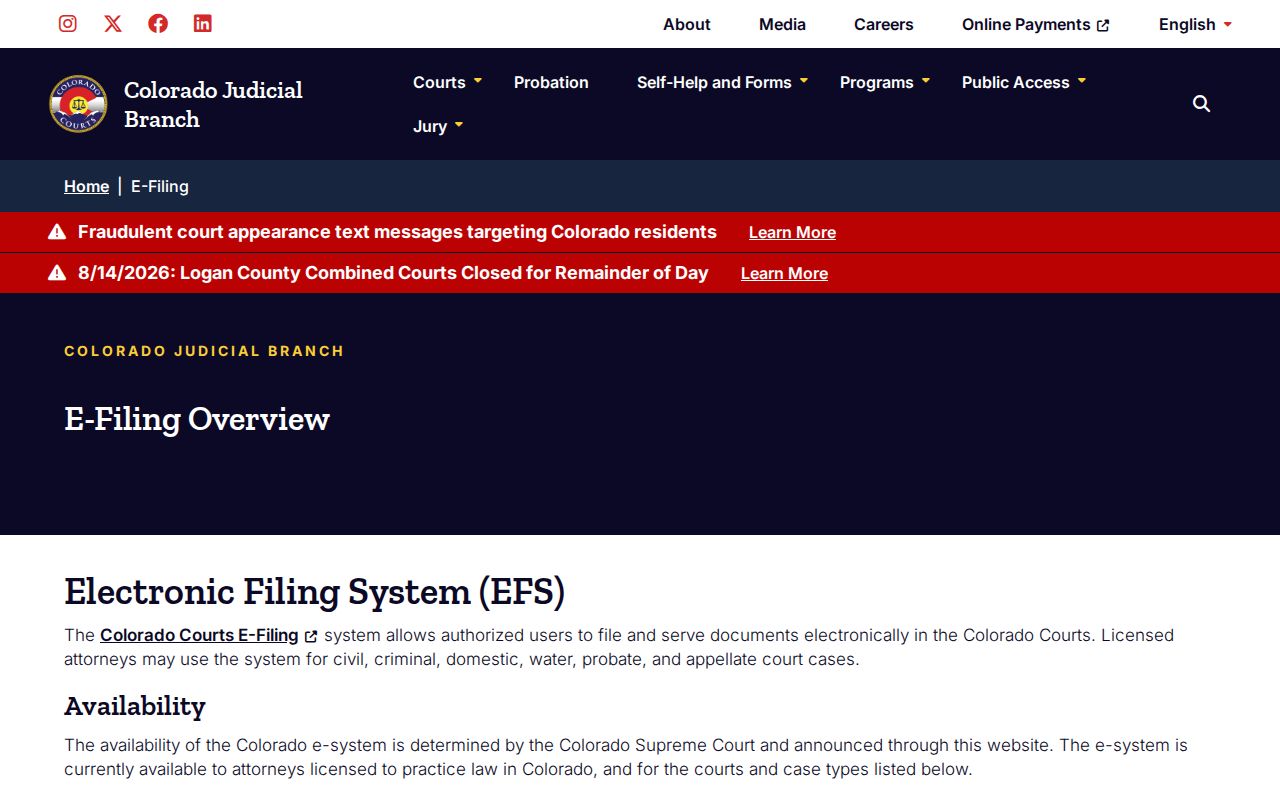
Filing access does not open every document image to a public user. Search the hearing setting first, then request the ROA, and name the exact filed document when you contact the clerk.
Moffat Case Search to ROA
A hearing search plus the ROA form a natural two-step path for a Moffat docket. Step one locates the setting and the case number. Step two gives the clerk's chronological summary. It includes dated filings and minute orders that the calendar card leaves out. The Judicial Branch attorney e-filing and vendor page links approved public record-search providers. It also explains access limits.
For the official ROA, submit the state Record/Document Request Form and pick Register of Action/ROA. Name a pleading or order separately if you also want a copy.
Moffat Case Search With No Result
Check the basics first: spelling, date range, case class, and court level. A Craig code case may sit in Craig Municipal Court. The same goes for a city-police municipal ticket. Either may land there rather than in the Moffat County Combined Court docket. Dinosaur ordinance and Model Traffic Code cases belong to Dinosaur Municipal Court. The Moffat County Clerk and Recorder keeps neither state nor municipal court files.
Calling the Combined Court clerk helps too. Ask whether the matter has no setting yet. It may be old, stored off site, tied to a related case number, or restricted. The official request form lists a $5 per-name clerk search. That is a good fallback when name-based web searches stall.
Distance matters in a county this size. Moffat spans 4,743.24 square miles. Yet all state District and County Court work funnels through one Combined Court office in Craig. Email, mail, and phone can save a far-off resident a long drive. Often the real problem is just finding the right number or office. Keep one caution in mind. An empty hearing search does not prove a Moffat County case never existed.
Access and Restricted Cases
Chief Justice Directive 05-01 sorts court records into public, remote, facility-only, suppressed, and sealed categories. Sealed records stay with judges, staff, and authorized personnel unless a court order allows more. Expect to show government photo identification for suppressed, juvenile, probate, or protected-content requests. The Colorado Children's Code restricts categories of juvenile records. Court rules shield Social Security numbers, account data, and other personal identifiers. A public copy of a Moffat court docket may hold less information. The protected version can show more.
Missing is not sealed. The Moffat search is hearing-centered and date-filtered. Confirm the court, request an ROA, and let the clerk state whether a legal restriction applies.