
Moffat Record Request Precision
Spell out what you want. Name the court level and the case number. Add the document title and the filing date if you have it. Ask for a certified copy up front if that is what you need. A clear request lets the clerk tell a plain page copy from an authenticated document. The clerk can then price the published charges before doing the work.
Moffat Court Records by Court Level
One Craig address serves two state trial-court levels. Moffat District Court covers felonies and major civil disputes. It also handles domestic relations, juvenile matters, probate, mental-health cases, and local water filings. Moffat County Court takes misdemeanors, traffic infractions, small claims, and civil claims under $25,000. Because the clerk's office is unified, naming the level and case class speeds the search.
Watch for split files. A felony may open in County Court with preliminary activity. It can then continue under a District Court CR number, and transfers can create related numbers too. When a Register of Action points to another file, hand over both case numbers with your request. Municipal ordinance cases stay with Craig or Dinosaur. That holds even when the conduct happened inside Moffat County.
How to Get Court Records
The right route depends on what you need: a hearing date, a case chronology, a document, or an authenticated copy. For a current setting, the free Colorado Judicial Branch Docket Search is the place to begin. Remember that it shows hearing information only. It is not the full Moffat County court record.
- Use the docket search with Moffat County and a case, party, business, or attorney filter.
- Record the complete case number and court level from a matching result.
- Submit the Record/Document Request Form and choose an ROA or identify each document.
- Use the Moffat routing page, email the clerk, call extension 7, mail the request, or visit the counter.
- Ask for certification or exemplification only when an official authenticated copy is required.
Expect an answer within three business days unless something unusual slows the clerk down. Older files sit off site, so those can take longer and may carry a real retrieval cost.
Moffat Court Record Request Channels
Moffat County court records are centralized at Moffat Combined Court, 1198 W. Victory Way, Suite 200/201, Craig, Colorado 81625. Counter service runs weekdays. Staff also answer the phone at 970-824-8254, extension 7, from 8:00 a.m. to 5:00 p.m., reply to email at moffatclerk@judicial.state.co.us, and take mail at the same courthouse address.
Clerk of Court, Moffat Combined Court
Address: 1198 W. Victory Way, Suite 200/201, Craig, CO 81625
Phone: 970-824-8254, extension 7
Email: moffatclerk@judicial.state.co.us
Hours: Monday through Friday, 8:00 a.m. to 5:00 p.m.
The county Clerk and Recorder handles land, election, marriage, and recording work. It does not hold District or County Court case files.
Types of Court Records
The state request form splits record products into categories so the clerk can find and price exactly what fits. A Register of Action is one of them. It is a brief chronological summary that can show charges, sentences, minute orders, and other events. It is not a packet of document images.
- Registers of Action for civil, criminal, traffic, domestic, probate, and other eligible cases
- Orders, judgments, satisfactions, protection orders, tickets, and disposition or sentence orders
- Probate papers such as letters, wills, trusts, petitions, applications, closings, and claims
- Plain, certified, or exemplified copies of specified documents
- Historical records routed through the clerk or Colorado State Archives when appropriate
For one exact filing, give its title and the docket-entry date if known. That cuts research time and keeps you from paying for papers that do not answer the question.
Moffat Court Records: ROA Versus Documents
A common mistake with Moffat County court records is treating the free docket, the paid CoCourts ROA, and the official case file as one thing. They answer different needs.
| Source | What it supplies | Main limit |
|---|---|---|
| Judicial Docket Search | Current public hearing settings | No full chronology or document images |
| CoCourts | Paid real-time ROA search by name or number | Vendor output is not the certified official record |
| Moffat clerk | Official ROA, filed papers, plain and certified copies | Request review and fees may apply |
Colorado Courts E-Filing moves filings; it is not a public document browser. A self-represented filing emailed locally sits unfiled until the clerk accepts and uploads it.
What a Court Record Contains
What a record holds varies with the case type and the product you order. The official request workflow keeps case-summary data separate from the papers themselves.
| Case identity | Case number, court, case class, and caption where public |
|---|---|
| Chronology | Filed events, minute orders, settings, and disposition entries on the ROA |
| Pleadings | Complaints, petitions, motions, responses, and other accepted filings |
| Court orders | Rulings, judgments, sentence orders, and protection orders when accessible |
| Financial entries | Court-assessed amounts or satisfaction records when part of the case file |
A calendar result has real limits. It does not show the filing date, the judge, the allegations, the lawyers, the financial ledger, the final outcome, or document images. Work up from the setting to the ROA, then request the specific document once the entry alone falls short.
Moffat Court Record Request Fields
The form asks who you are, with contact details and a mailing address, plus the case number. Checkboxes sort the rest by record category. Options include an ROA, a certification, a ticket, a disposition order, civil judgment papers, and listed probate documents.
Case number: the most reliable locator, with the year, case-class letters, and sequence.
Other documents: a free-text field for an exact title and filing date.
Photo identification: may be required for suppressed cases and some juvenile, probate, or protected materials.
No case number? A name search is available for a published fee. The clerk, not a web search result, decides whether the material can be released.
Certified Copies and Fees
Court-fee authority comes from Colorado Revised Statutes Title 13. Judicial Branch charges separate ordinary copies, authentication, search work, and retrieval, so ask for a quote when a request mixes products.
| Product | Published fee |
|---|---|
| Copy | $0.25 per page; maximum $15 for parties and their attorneys, no stated maximum for nonparties |
| Certified or exemplified copy | $20 per document, plus copy cost where assessed |
| Name search | $5 |
| Transcript of Judgment | $25 |
| Certificate of Satisfaction | $20 |
| Research or redaction | $30 per hour in 15-minute increments after the first hour |
| Off-site retrieval | Actual cost estimated by the clerk |
Do not confuse the names. A Transcript of Judgment is a civil judgment product, not a transcript of anything spoken in court. The 14th District does not release digital recordings under its cited chief-judge order. Transcript requests follow a separate route.
Moffat Court Records Through Time
Older Moffat County court records sometimes sit off site. The clerk may need retrieval time or send the request elsewhere. Deep historical filings can go to the Colorado State Archives. Federal matters are different. Those live with the U.S. District Court for the District of Colorado. Its court locations page lists every federal venue in the state.
For federal dockets, the official PACER service provides the case-search entry point the public uses.
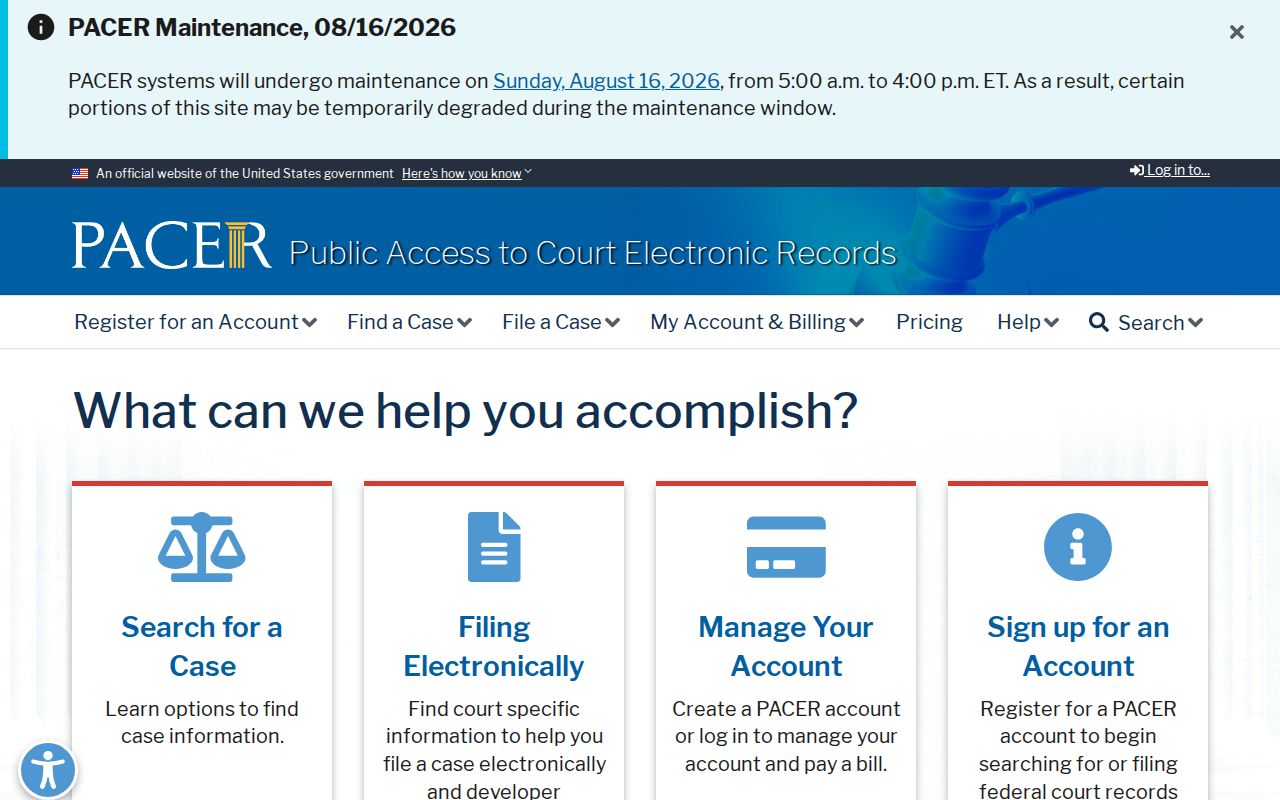
PACER never replaces the Moffat clerk for Colorado state cases. The PACER pricing page details the per-page fees and quarterly waiver threshold.
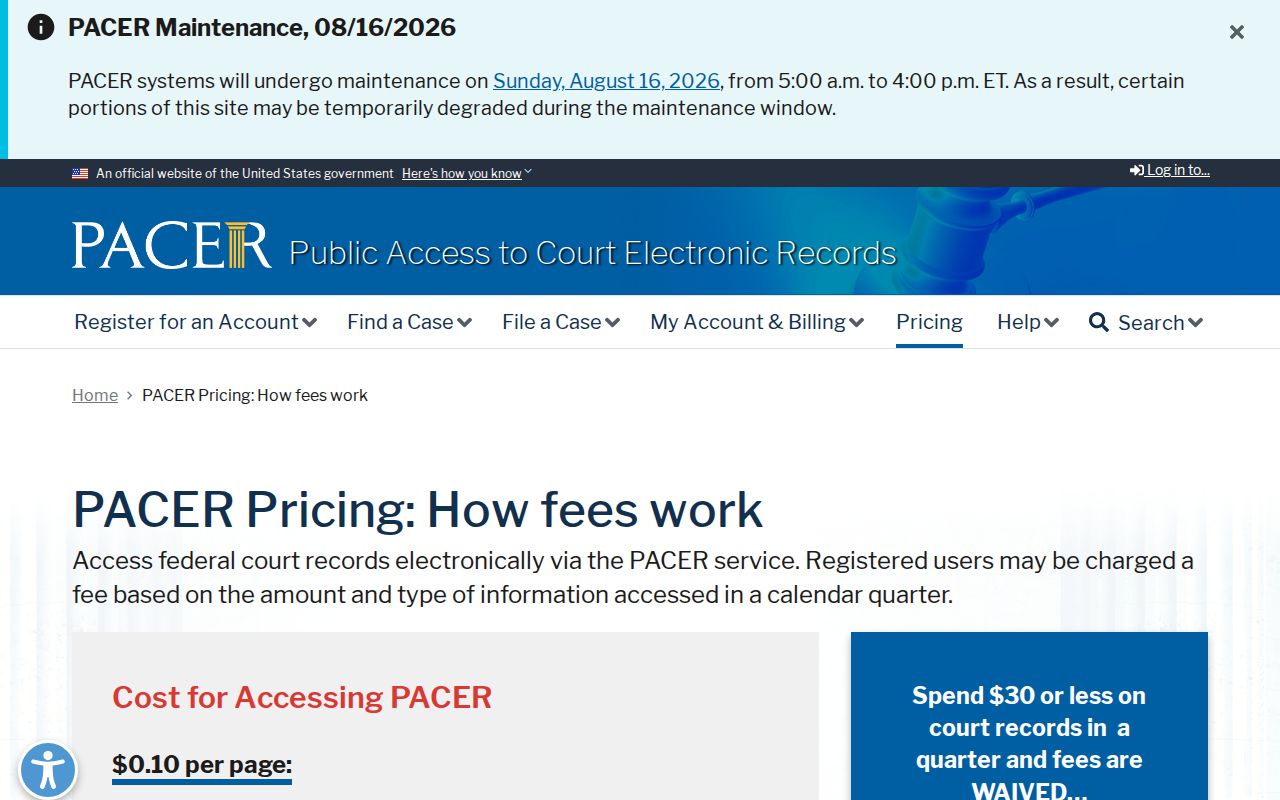
Those federal fees say nothing about Colorado Judicial Branch copy charges. For nationwide federal searching, the PACER Case Locator is the tool.
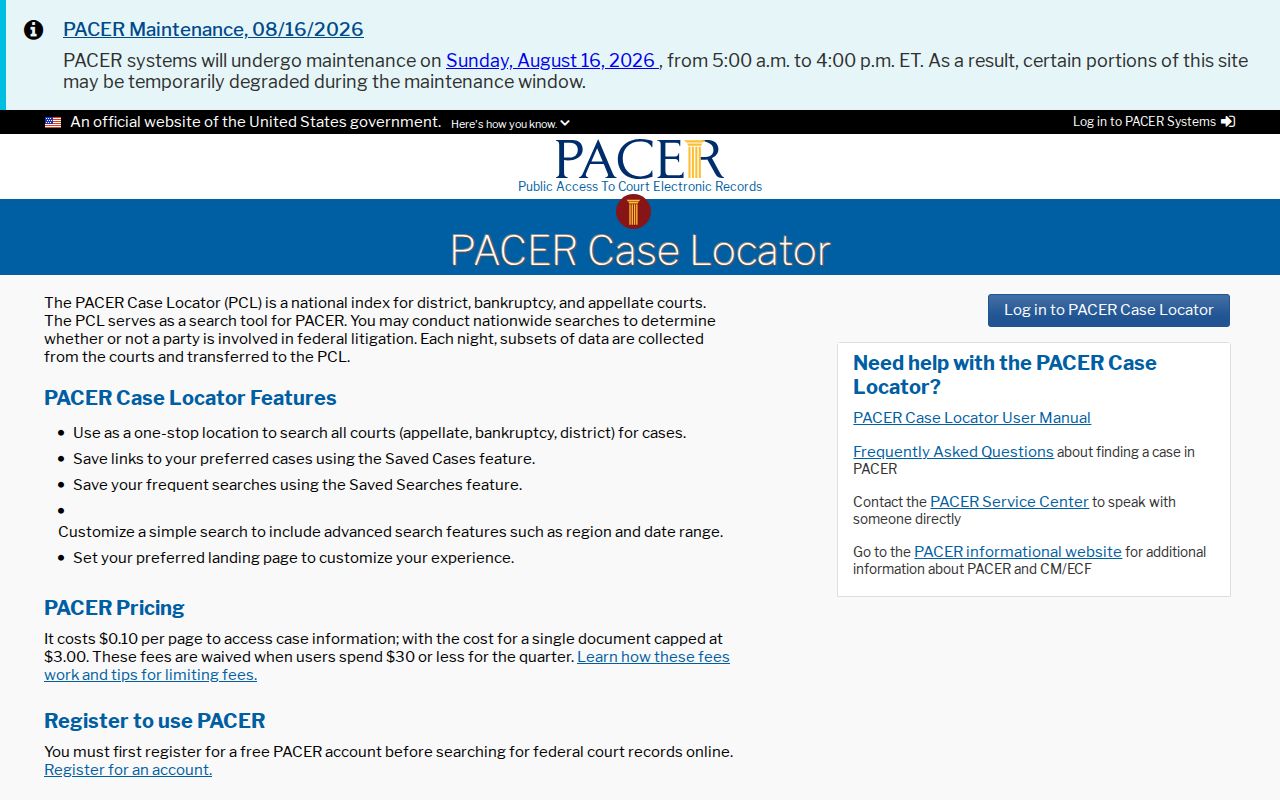
A case filed in Moffat County District Court stays a state matter, no matter how far the federal locator reaches.
Public Access and Sealed Records
Colorado court case records answer first to Chief Justice Directive 05-01, along with court rules, statutes, and orders written for a specific case. The Colorado Open Records Act works differently. It reaches government records generally, while Judicial Branch administrative records follow Public Access to Information and Records Rule 2. Neither path unlocks a sealed court case.
Access rule: Chief Justice Directive 05-01 distinguishes public access, remote access, and sealed court records. Juvenile matters, suppressed cases, protected data, and restricted probate documents may require identification or may not be released.
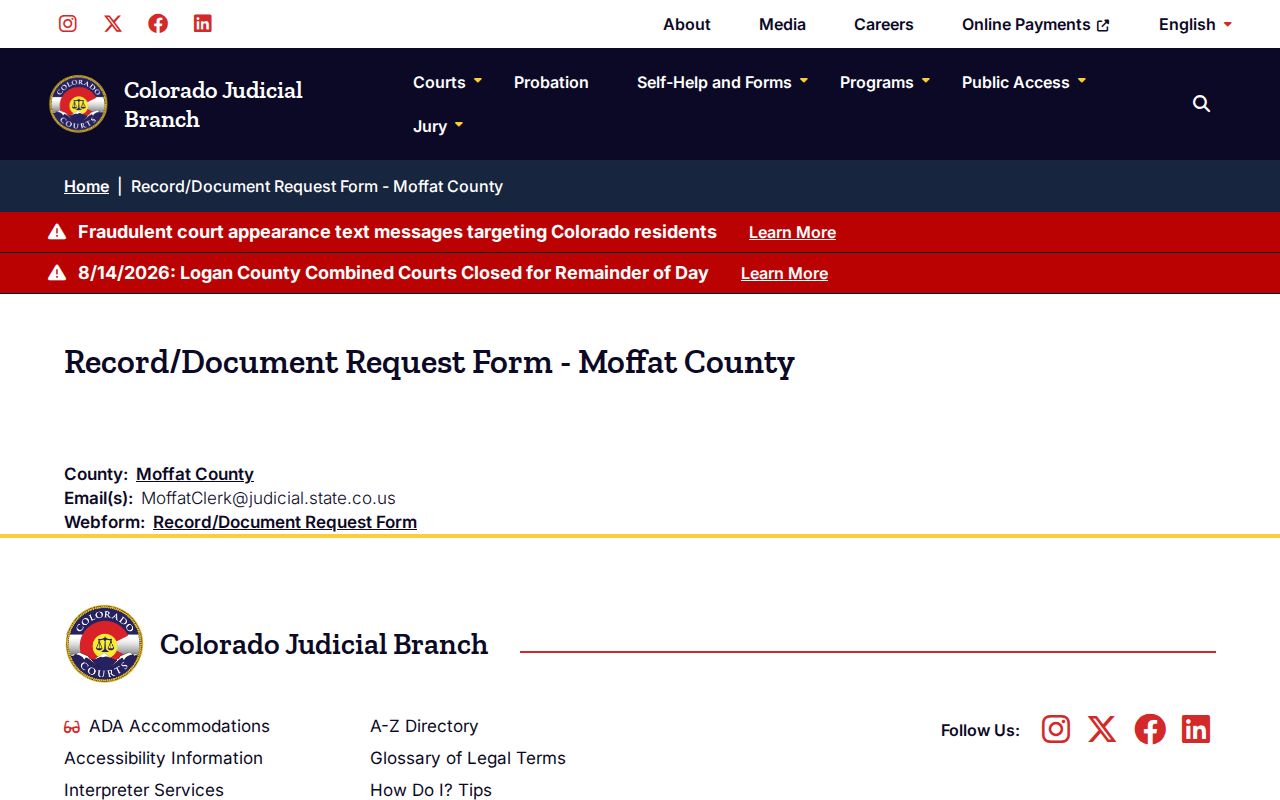
The request process runs through one official state page. Its contact and case-number portion is what routes a specific court file to the right place.
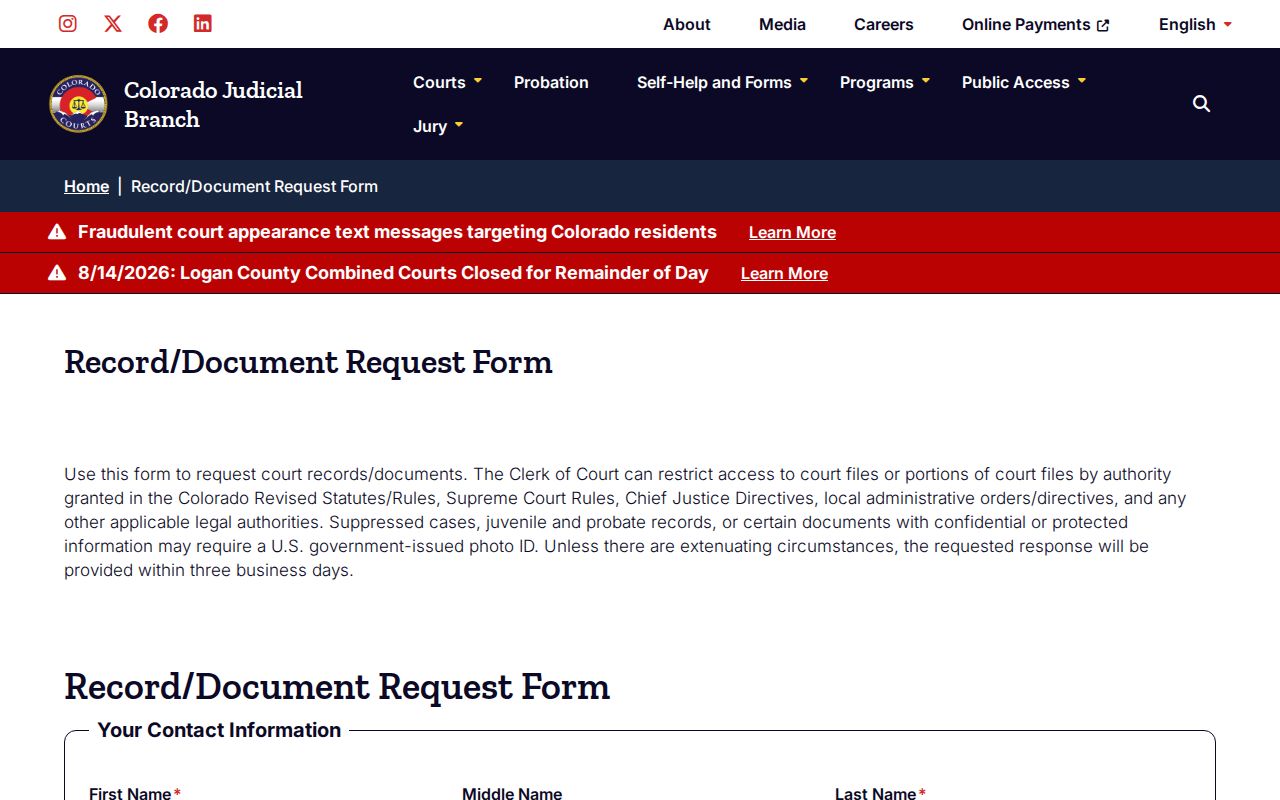
Get the case details right. A clean case number lets clerk review move faster and cuts the odds of a mismatched record, and the Moffat request routing page passes your request to the local clerk.
Craig and Dinosaur municipal files remain with municipal courts.
Moffat Court Record Filing Lag
Qualifying self-represented parties may email their filings. Sending the message is only step one, though. The document must be legible, complete, signed, and tied to the case number, with identification attached when the court requires it. Filing happens only after clerk staff accept and upload the paper.
An emailed document can sit for a while before it appears on an ROA. Keep the sent message. Ask the clerk whether it was accepted. The email timestamp is not the official docket-entry time, and delivering a records request settles nothing about access, price, or release.
The clerk doubles as Jury Commissioner and Probate Registrar. Probate case records live with the Judicial Branch clerk, not the county recording office. Records missing from remote access may still be open at a court facility, and no lobby terminal is guaranteed, so call extension 7 before you travel.